> For the complete documentation index, see [llms.txt](https://docs.merchant.alb.ua/llms.txt). Markdown versions of documentation pages are available by appending `.md` to page URLs; this page is available as [Markdown](https://docs.merchant.alb.ua/en/payment-widgets-for-cms/opencart/functionality-and-description-of-the-payment-module.md).
# Functionality and description of the payment module
Setting up the payment module before starting work.
#### The path to the module settings
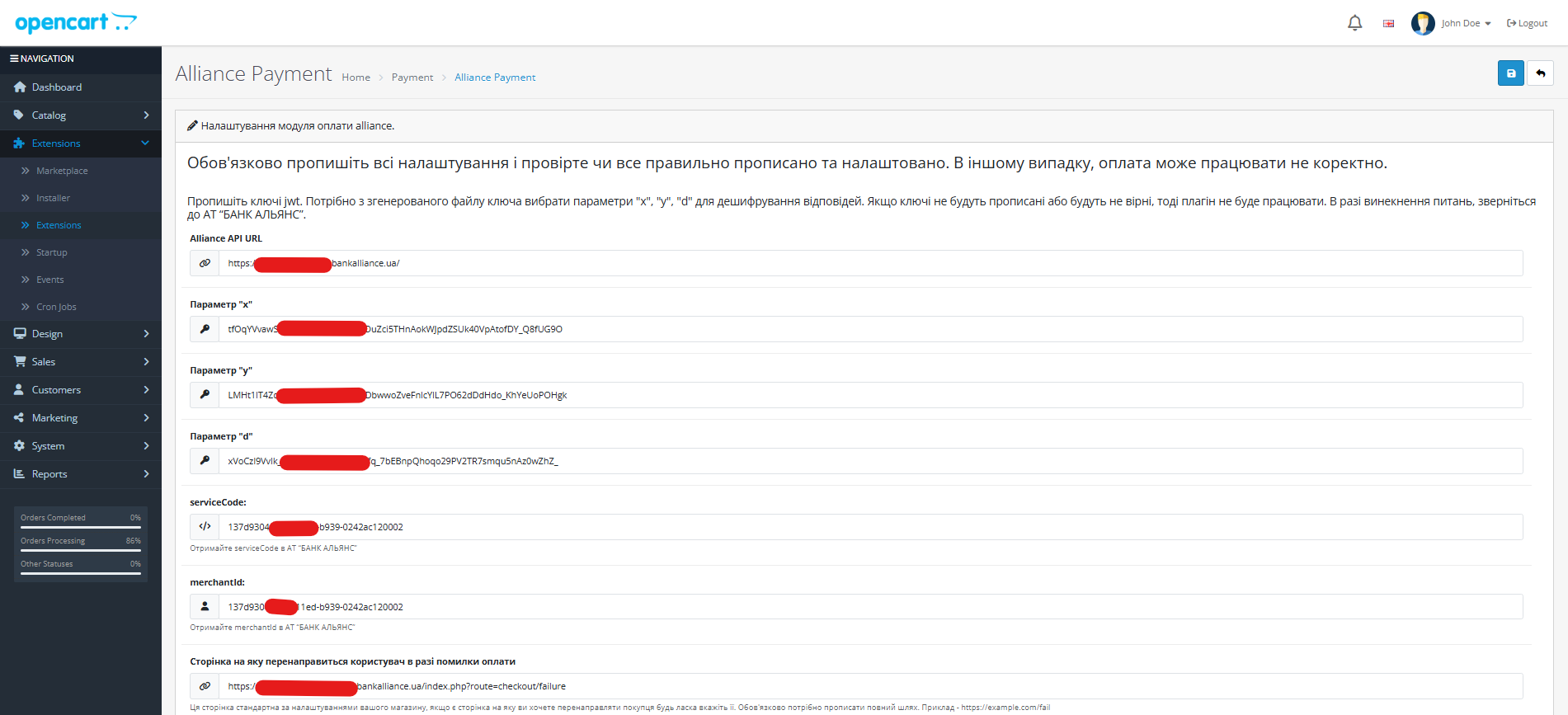
In the admin panel is "Extensions"->"Extensions"->"Payments" -> "Alliance Payment"
#### Module configuration interface
In the parameters, specify the data that was received by the bank employee.
In the `Alliance API URL` field, you need to specify the value -
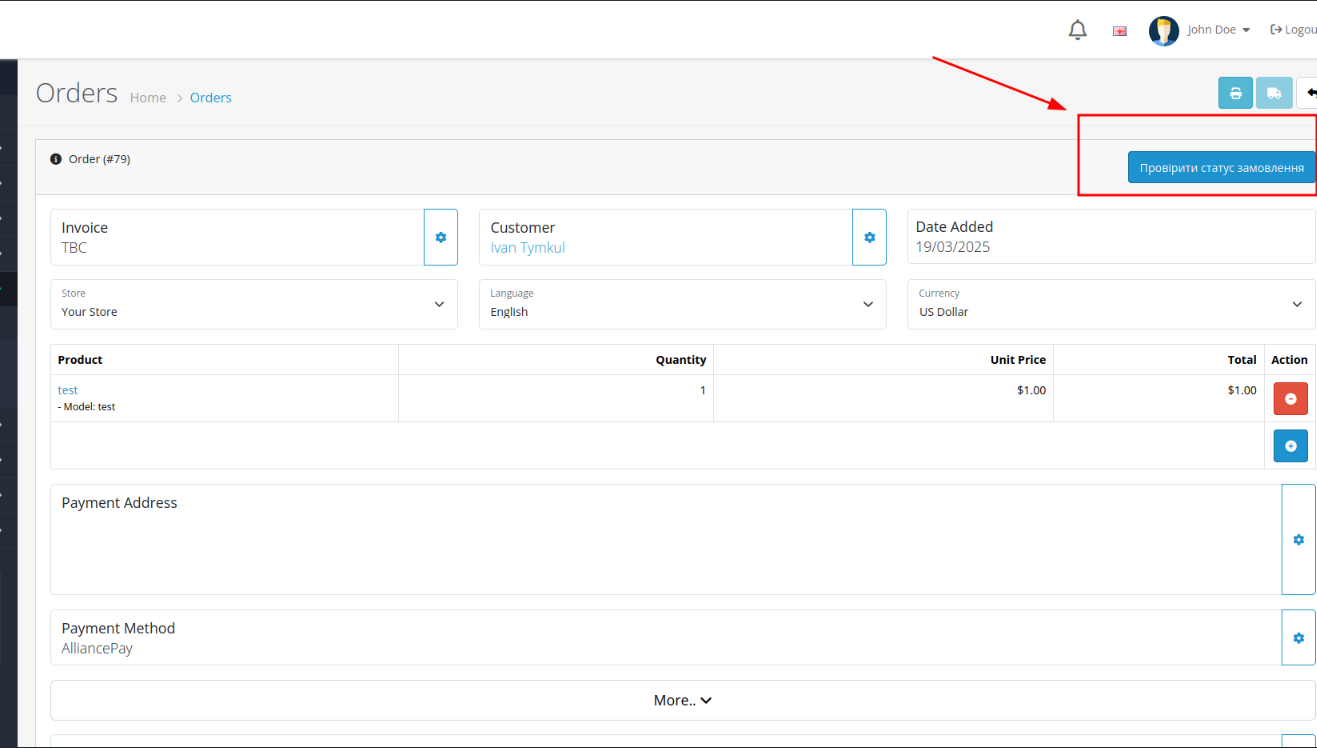
#### Check order status
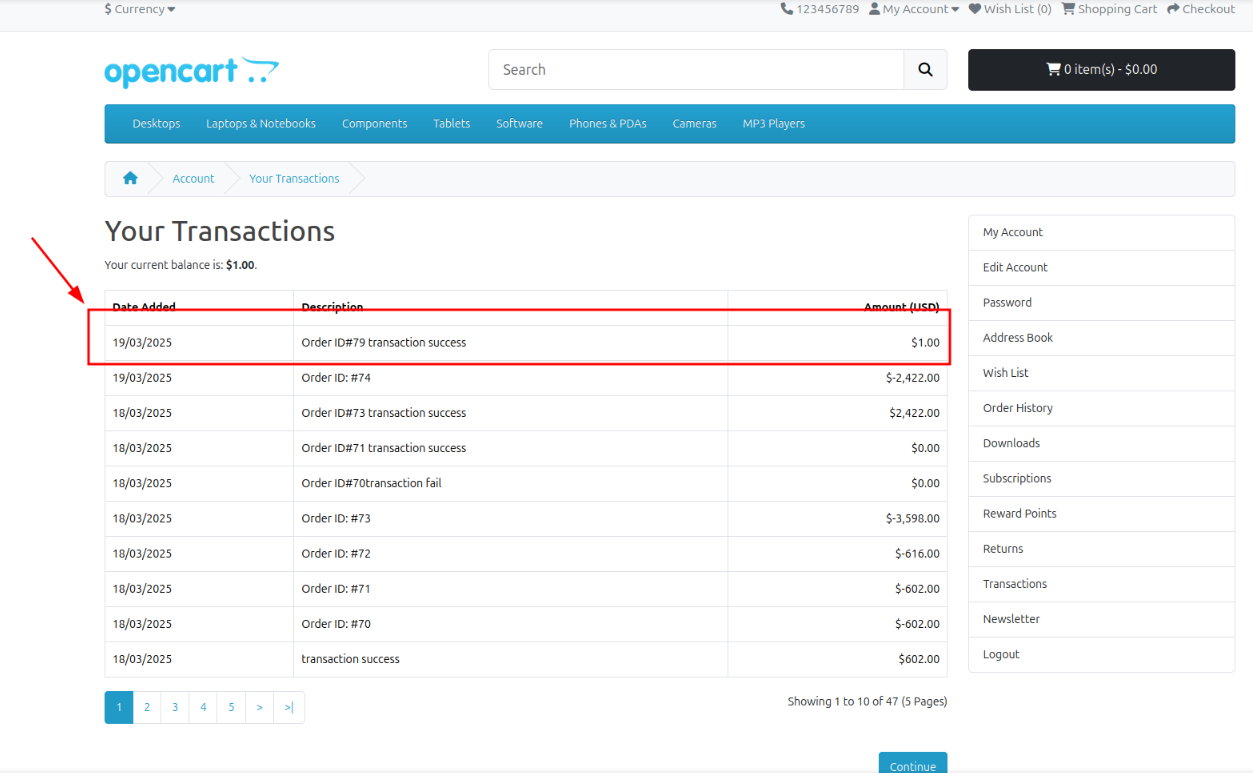
### Transaction review
### Order history
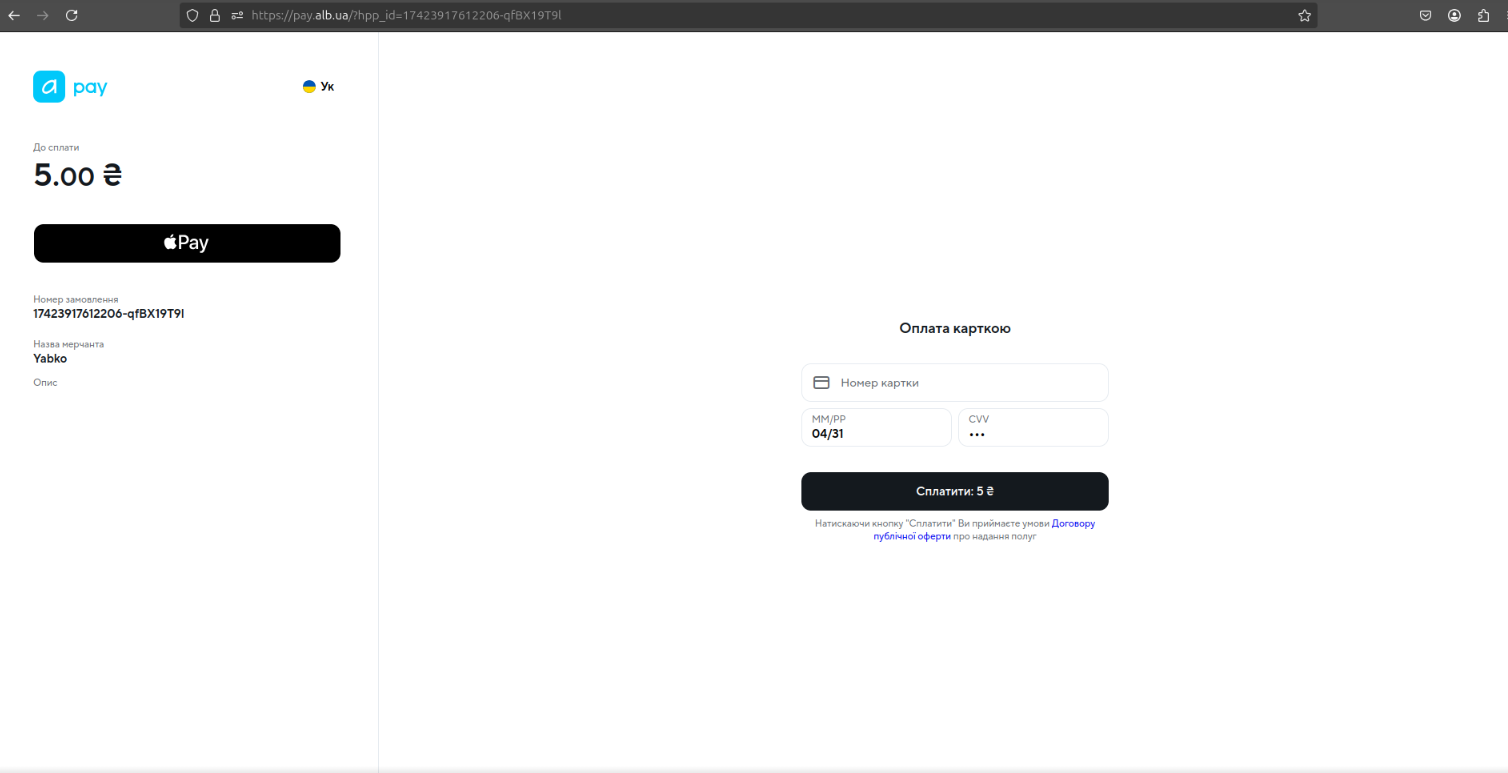
#### Checkout
#### Checkout result
### Making a refund
{% tabs %}
{% tab title="OpenCart 3.0" %}
To make a refund, you need to go to the order details
and here you will find the "Повне повернення коштів" and "Часткове повернення" buttons
### Full refund
When clicked, a pop-up window appears with a message about the successful completion of a full refund
In the order details, each product will be marked with an icon as returned and a new entry about a full refund will appear in the order history.
### Partial refund
In the order details, you need to select which products will be partially refunded.
After clicking the "Часткове повернення" button, a confirmation window appears.
After that, a confirmation window will appear.
In the payment details, the goods will be marked as returned.
### View return details
Additionally, there is a "Returns" tab where you can view details of completed returns
The return is tied to each product, so each line displays which product the return was completed for
Натиснувши на редагувати  , opens the verification details where you can view information about the user, view\specify the reason for the verification, change the status and change the product
{% endtab %}
{% tab title="OpenCart 4.0" %}
{% endtab %}
{% endtabs %}