> For the complete documentation index, see [llms.txt](https://docs.merchant.alb.ua/llms.txt). Markdown versions of documentation pages are available by appending `.md` to page URLs; this page is available as [Markdown](https://docs.merchant.alb.ua/en/payment-widgets-for-cms/prestashop/functionality.md).
# Functionality
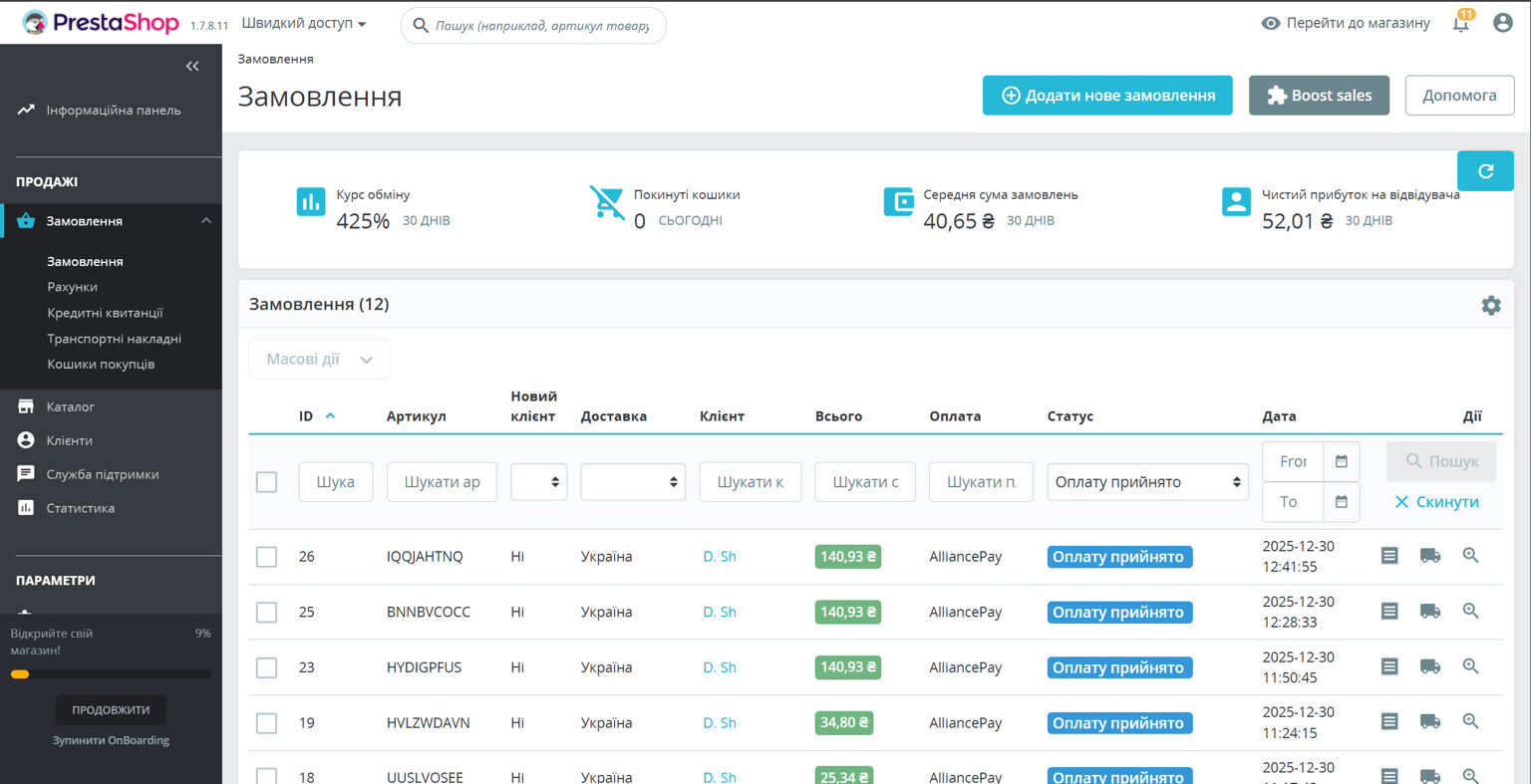
### List of all orders
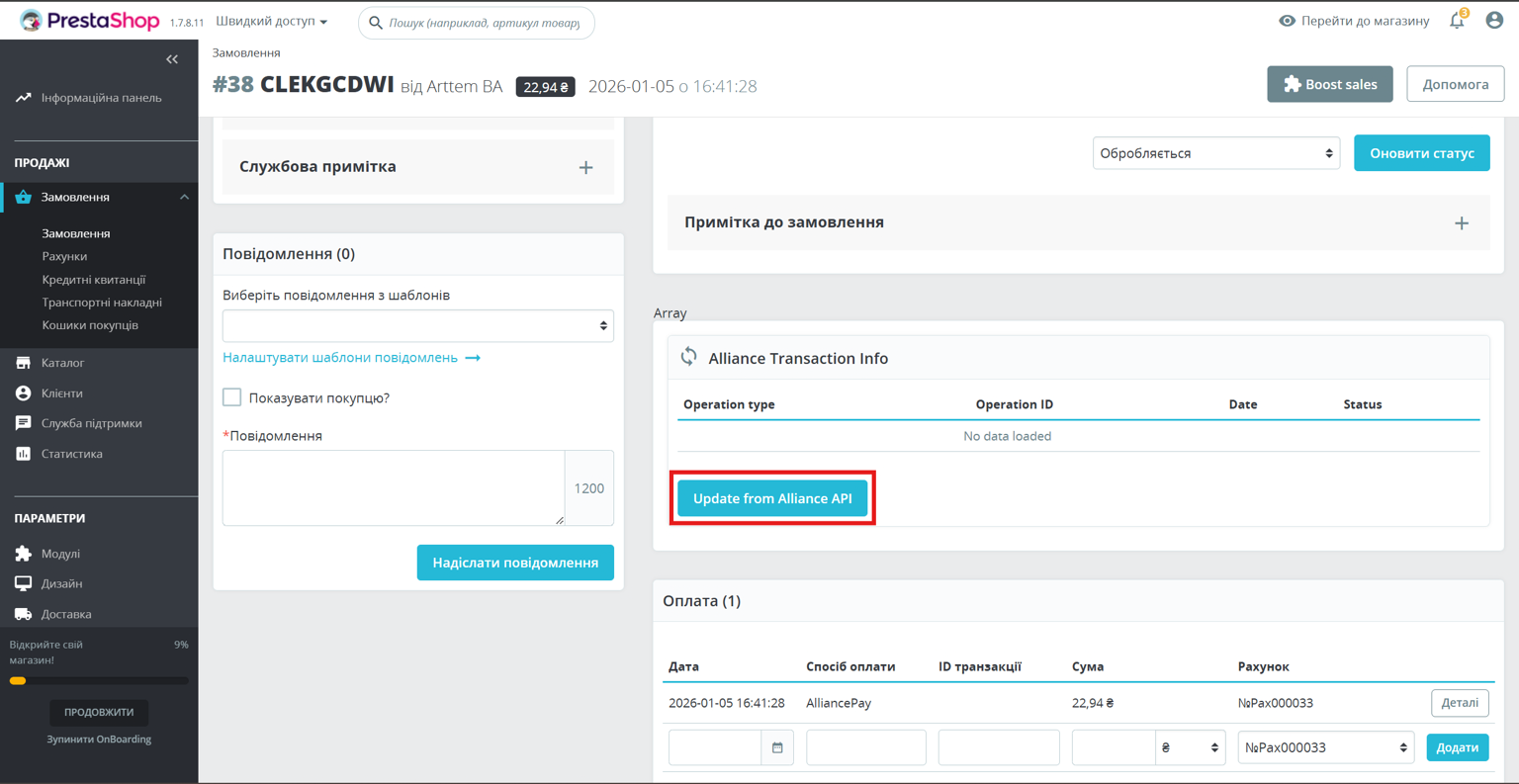
### Get additional payment information
You need to go to the order details and click on the "Update from Alliance API" button.
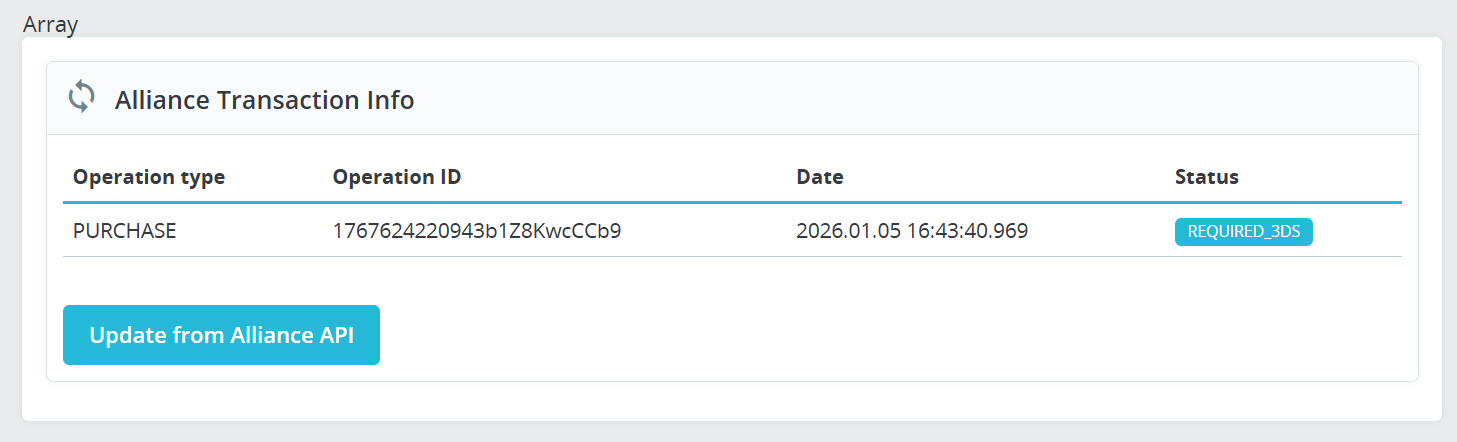
After that, detailed information about the payment status will appear in the window.
### Making a return
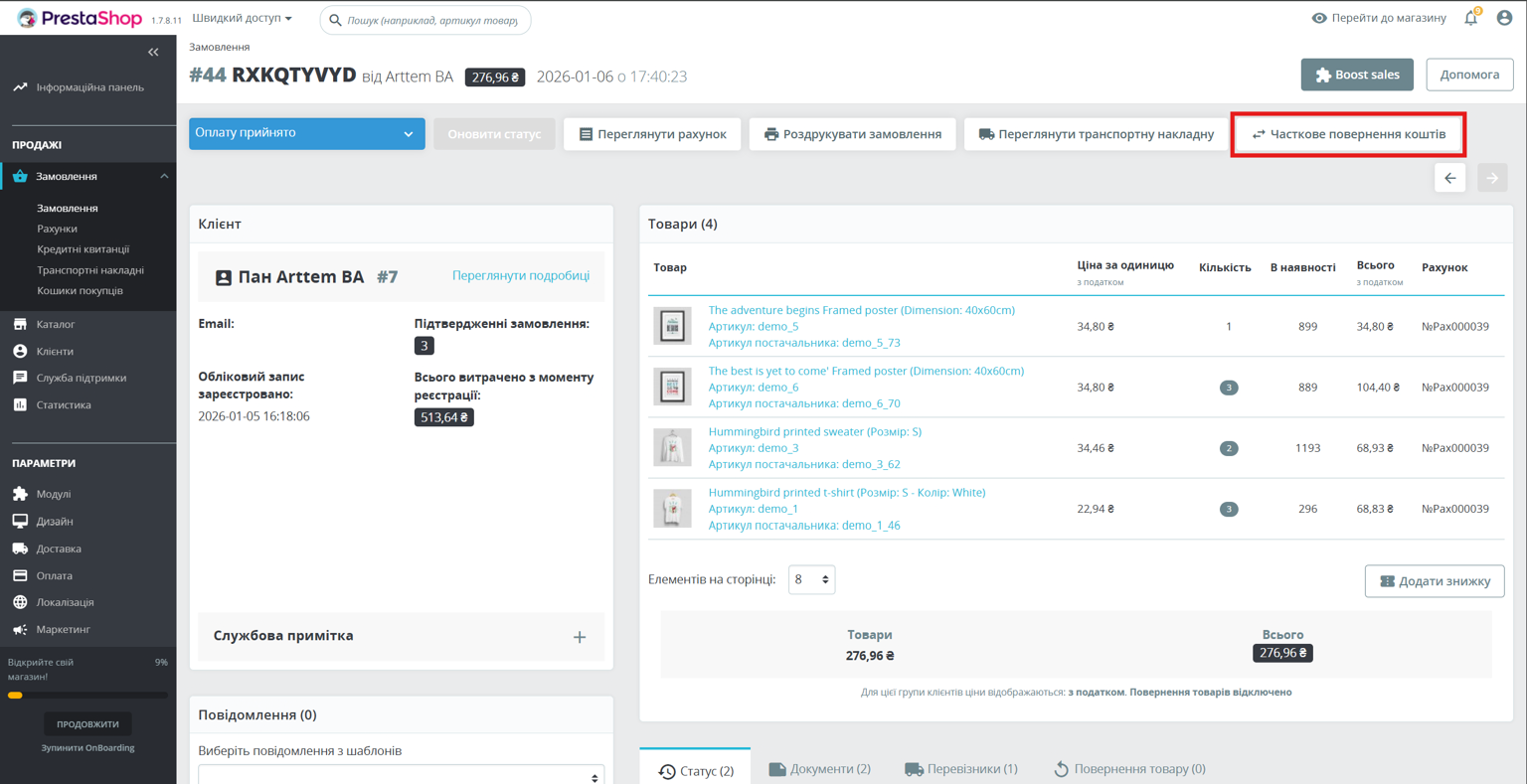
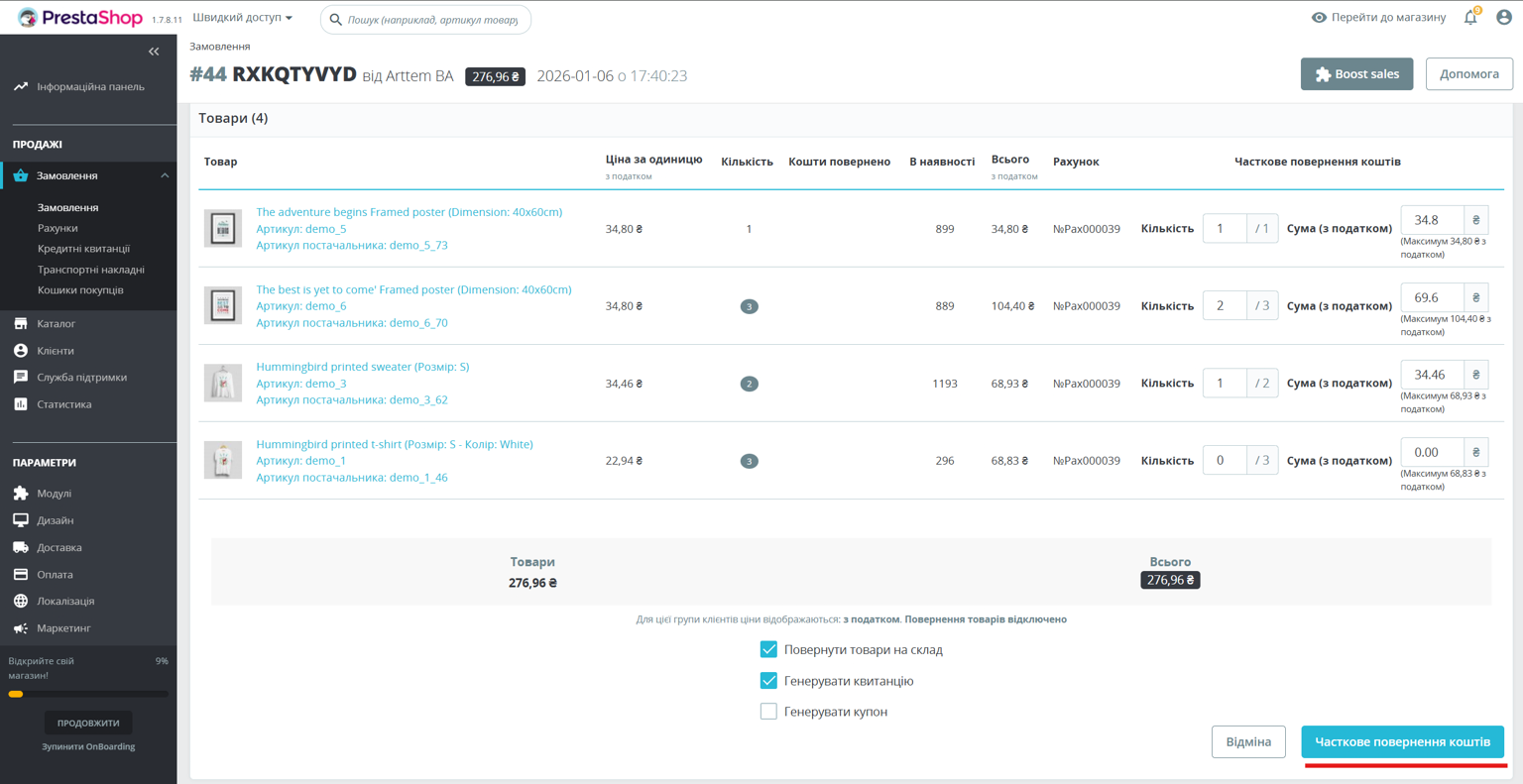
You need to go to the order details and click the "Partial refund" button.
After clicking, a window opens where you can perform a full or partial refund.
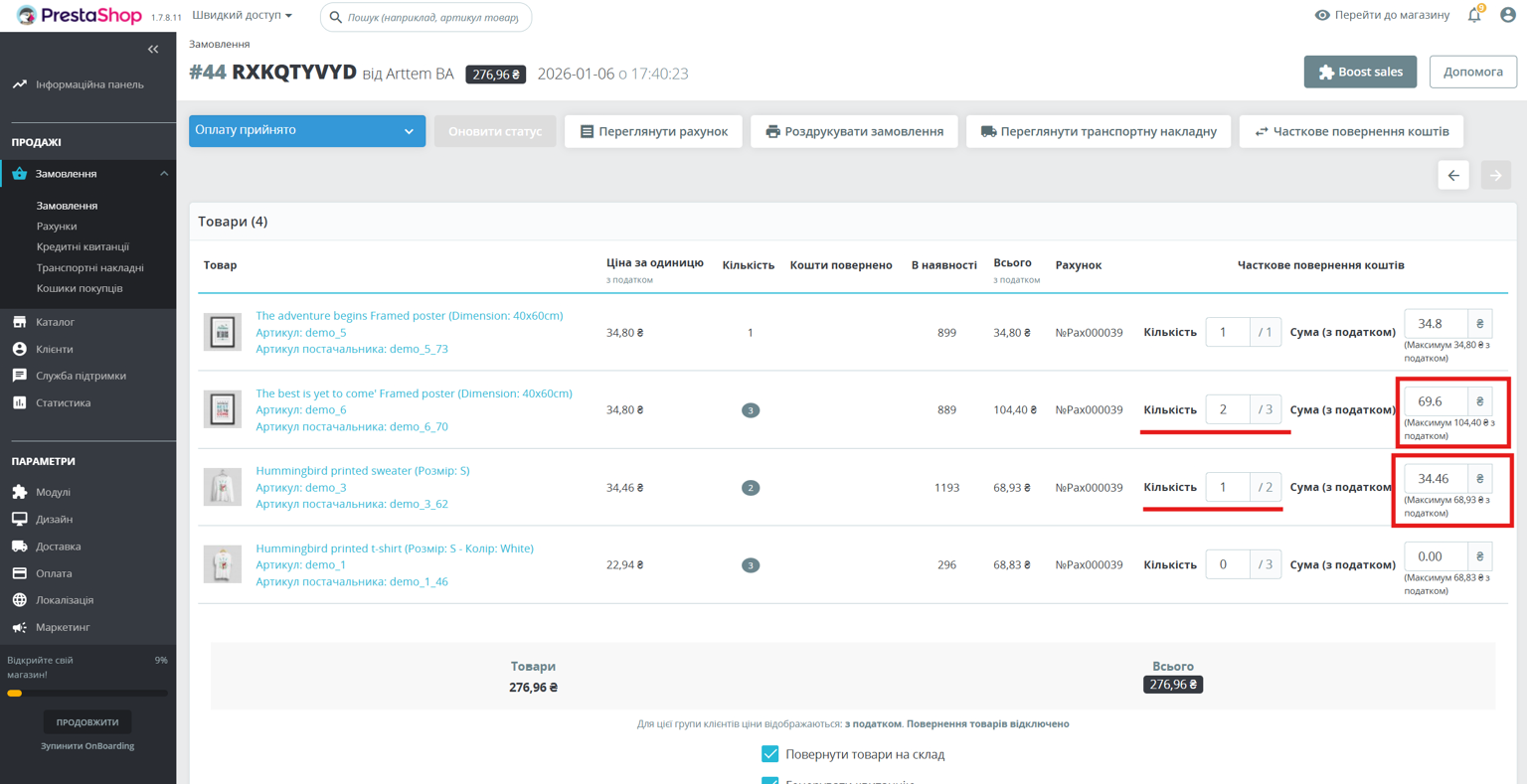
#### Часткове повернення
In the opened window, you can select the quantity of goods or the amount for the goods that will be returned.
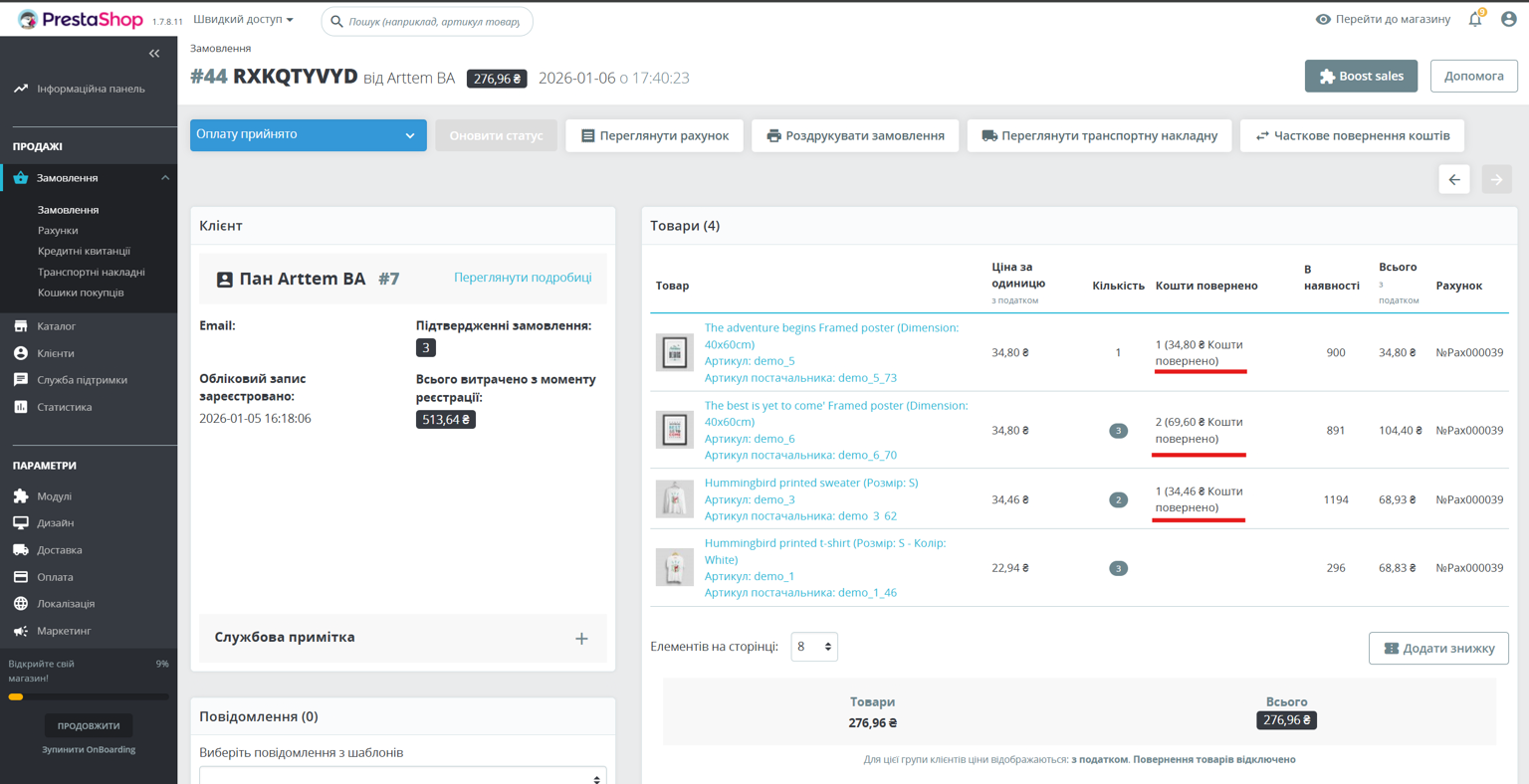
As a result of performing a partial refund, additional information about the refund will be displayed in the order details.
But when you click on the "Partial refund" button, only the balance in terms of quantity and amount of possible refund will be displayed.
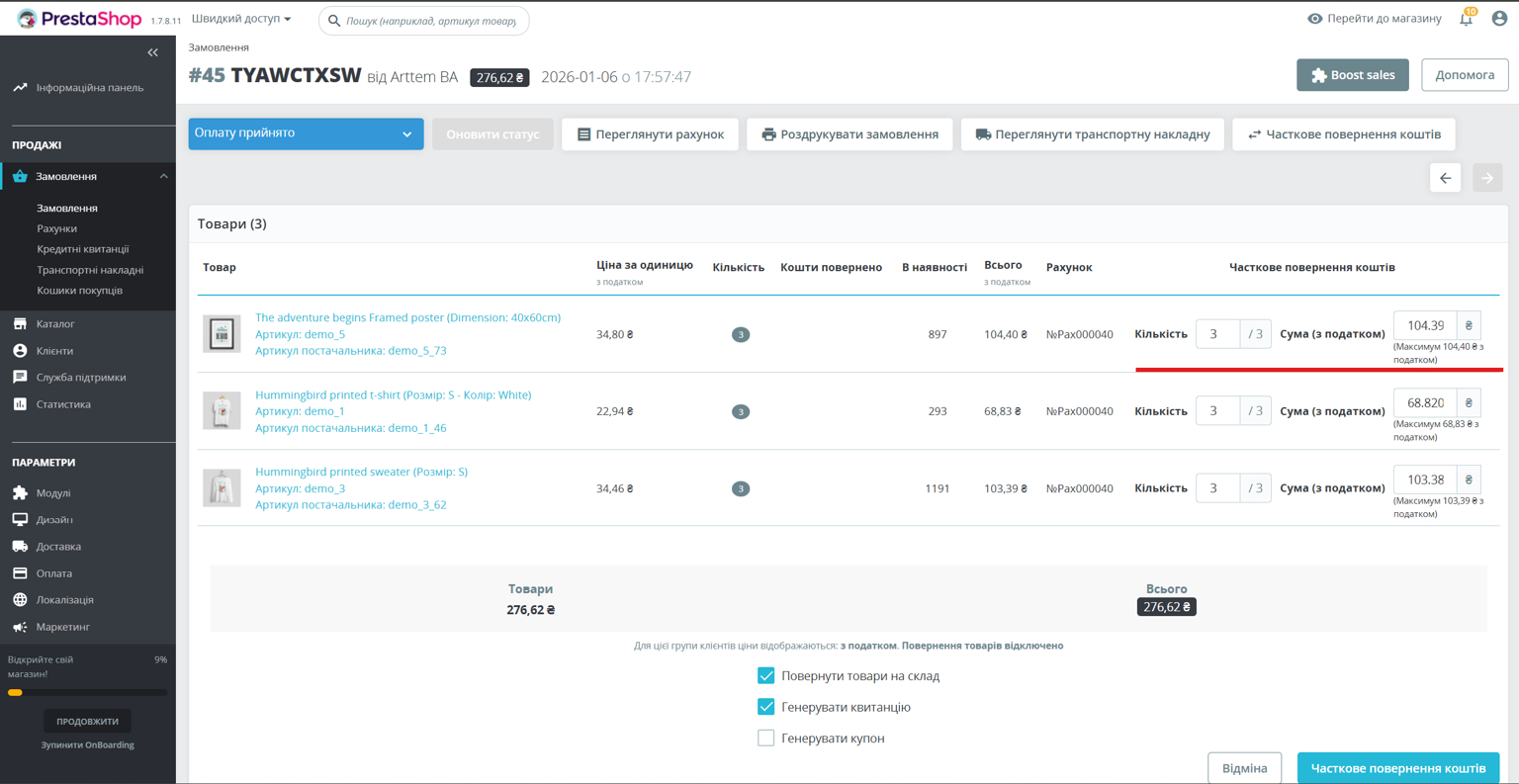
#### Повне поверненя
To make a full refund, click the "Partial refund" button in the order details and in the new window select the maximum quantity or maximum refund amount.
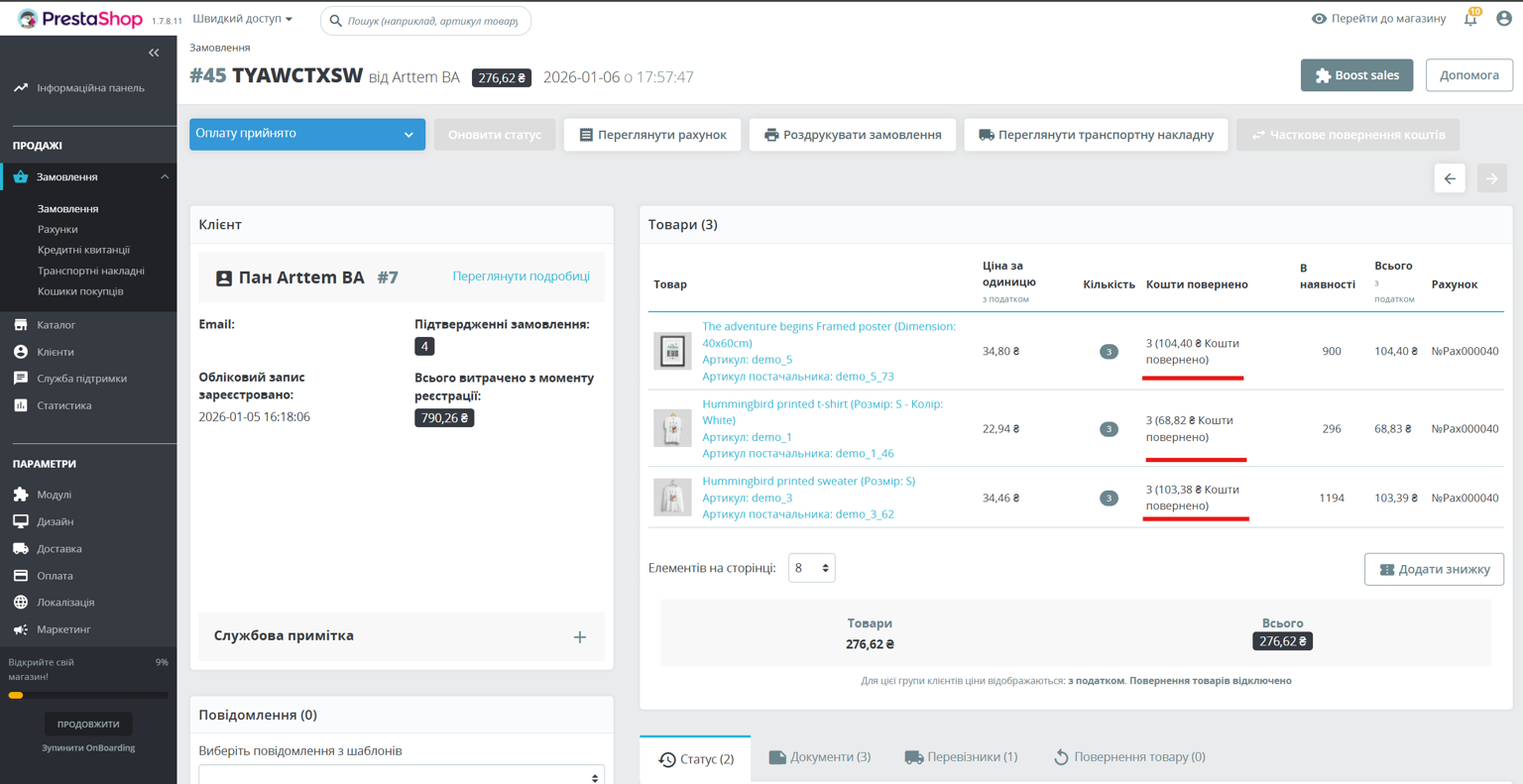
As a result of a full refund, the information in the payment details will look like this:
After selecting a refund method, you need to click the "Partial refund" button.
### Payment page
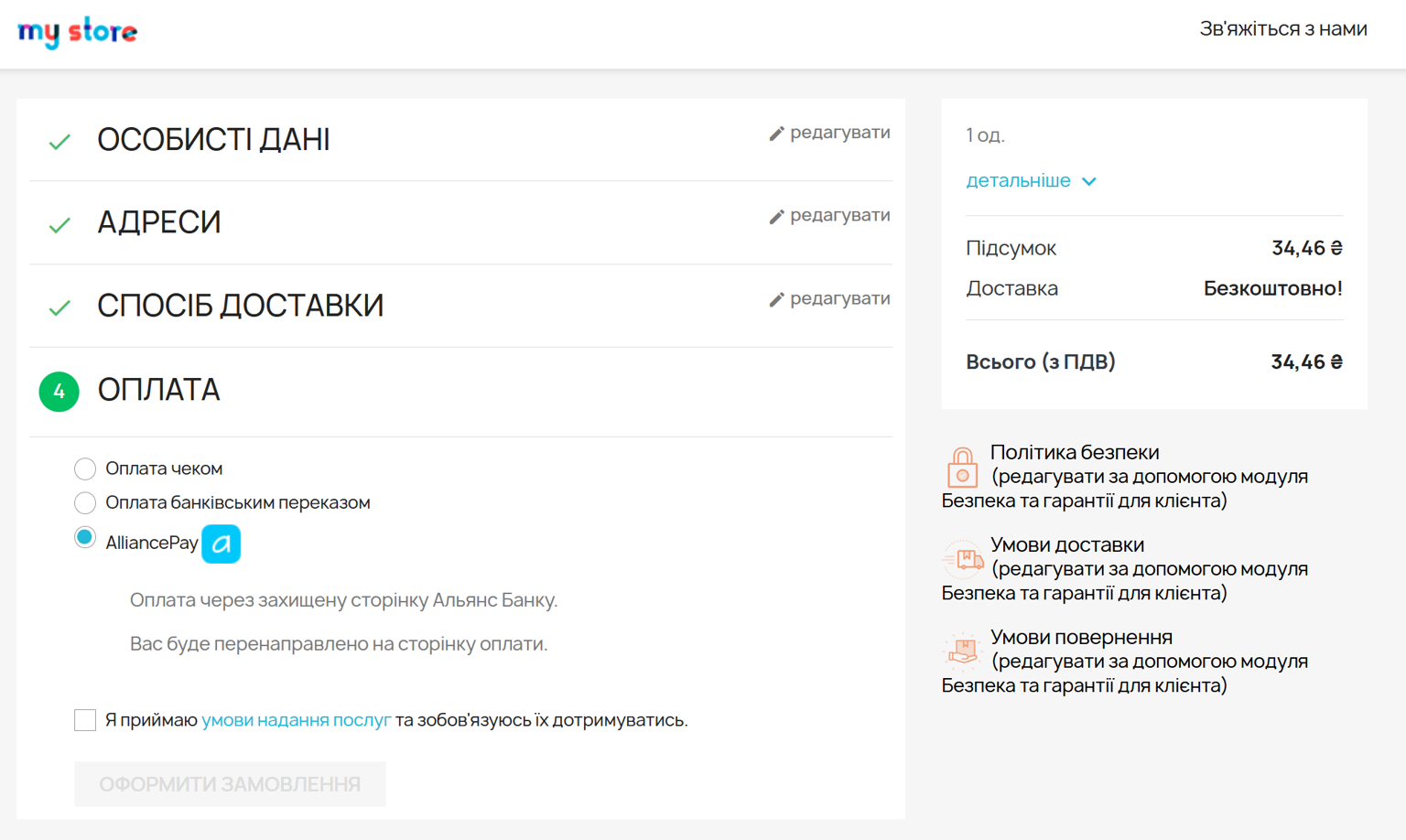
At checkout, the AlliancePay payment option will appear.
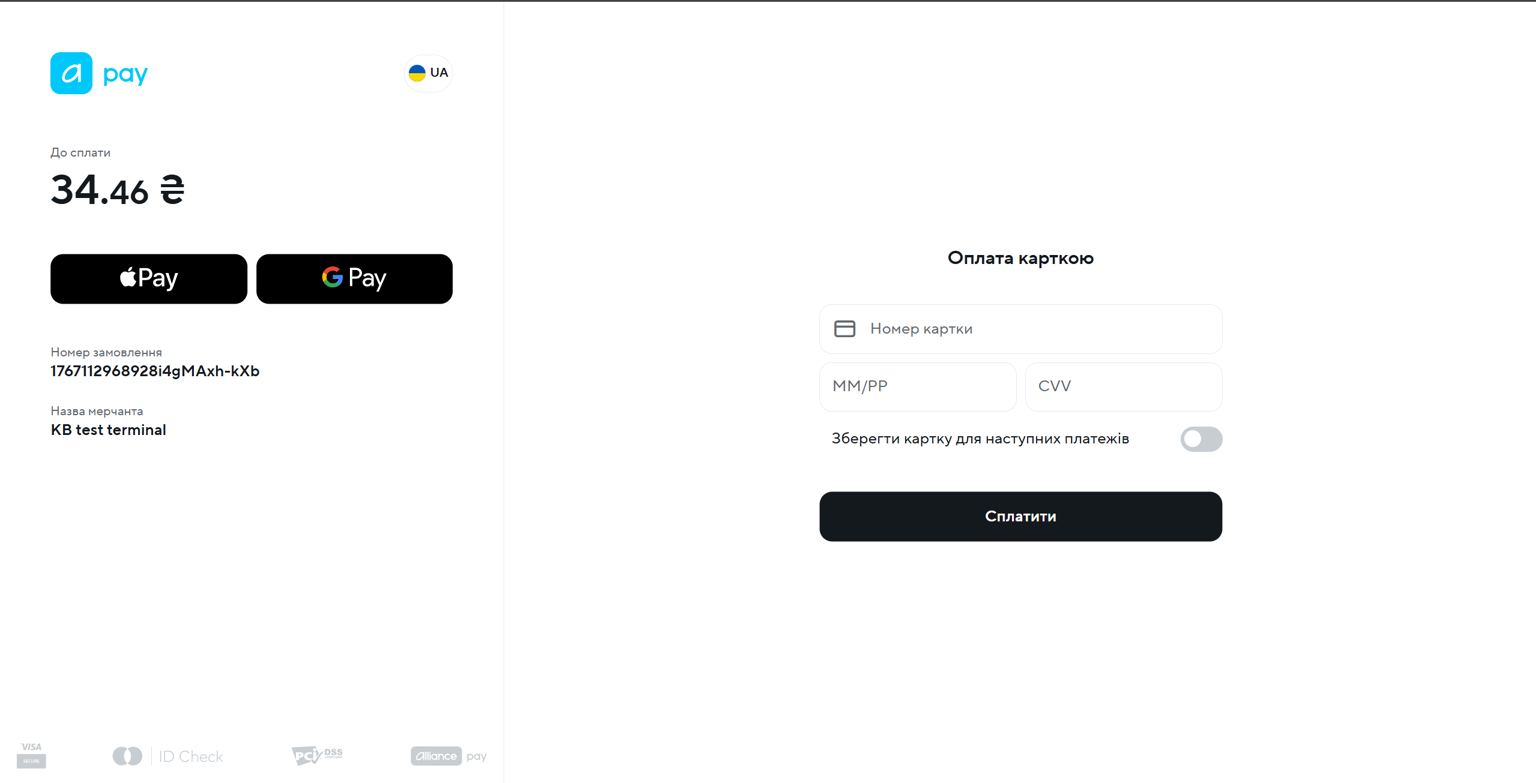
Displaying the payment widget