> For the complete documentation index, see [llms.txt](https://docs.merchant.alb.ua/llms.txt). Markdown versions of documentation pages are available by appending `.md` to page URLs; this page is available as [Markdown](https://docs.merchant.alb.ua/en/payment-widgets-for-cms/prestashop/settings-and-authorization.md).
# Settings and authorization
{% stepper %}
{% step %}
### Let's go to the module settings
You need to click "Configure"
{% endstep %}
{% step %}
### Initial settings
Most of the fields will be provided by the bank for filling in.
#### Сторінка налаштувань :
{% hint style="warning" %}
It is mandatory that all fields be filled in for the payment plugin to work correctly.
{% endhint %}
Field description:
* The **`Status Page Type`** field has three available values:
* **STATUS\_TIMER\_PAGE** - default page, if the merchant did not select the desired type, the redirect timer automatically displays the status page for 1 minute with automatic redirection of the user to the merchant's site (redirect URL)
* **STATUS\_REDIRECT\_MERCHANT\_PAGE** - immediate redirection to the merchant's URL
* **STATUS\_PAGE** - redirection to our status page (download receipt ...)
* The `API URL` field must be set to the value -
* The `Service Code` and `Merchant Id` fields will be provided by the bank
* The `Authorization Key` field will need to be generated independently according to the documentation (), where the public part will need to be transferred to a bank employee
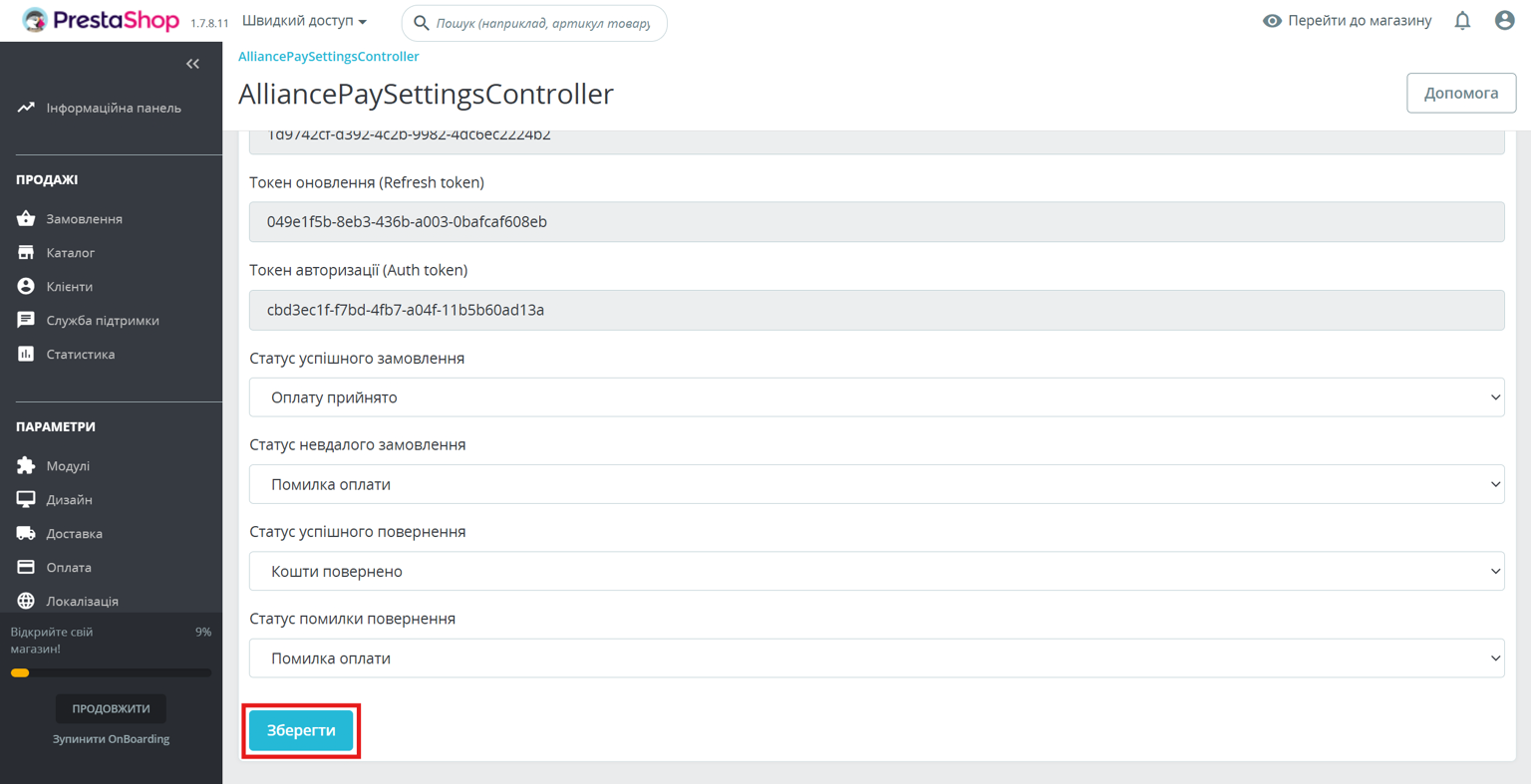
* The `Device Id`, `Refresh token`, `Auth token` fields will appear after authorization
* In the `Successful Order Status`, `Failed Order Status`, `Successful Return Status`, `Return Error Status` fields - you need to choose yourself
{% hint style="warning" %}
After configuring all fields, be sure to click the "Save" button and only then click the "Authorize" button.
{% endhint %}
{% endstep %}
{% endstepper %}