> For the complete documentation index, see [llms.txt](https://docs.merchant.alb.ua/llms.txt). Markdown versions of documentation pages are available by appending `.md` to page URLs; this page is available as [Markdown](https://docs.merchant.alb.ua/en/payment-widgets-for-cms/wordpress/installation-instructions.md).
# Installation instructions
WordPress Payment Widget:
{% file src="/files/zYpLnu7l89pwIcuWPjNr" %}
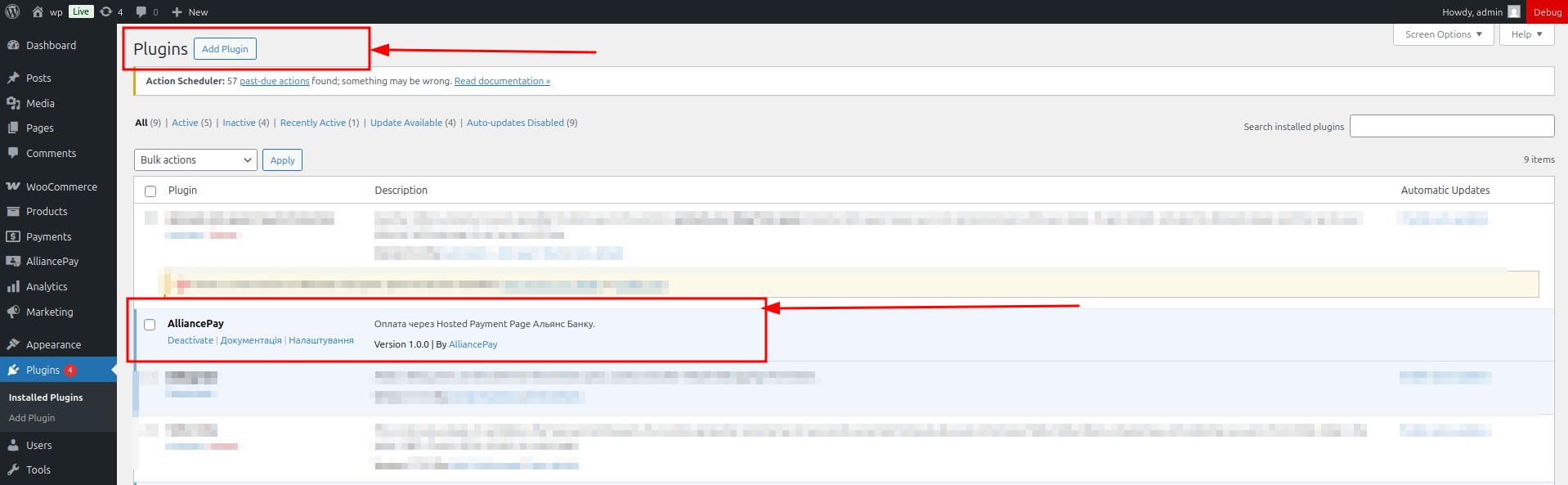
1. Download the plugin archive and install via Plugins → Add New → Download Plugin.
2. Activate the plugin.
3. The AlliancePay item will appear in the Admin Panel menu.
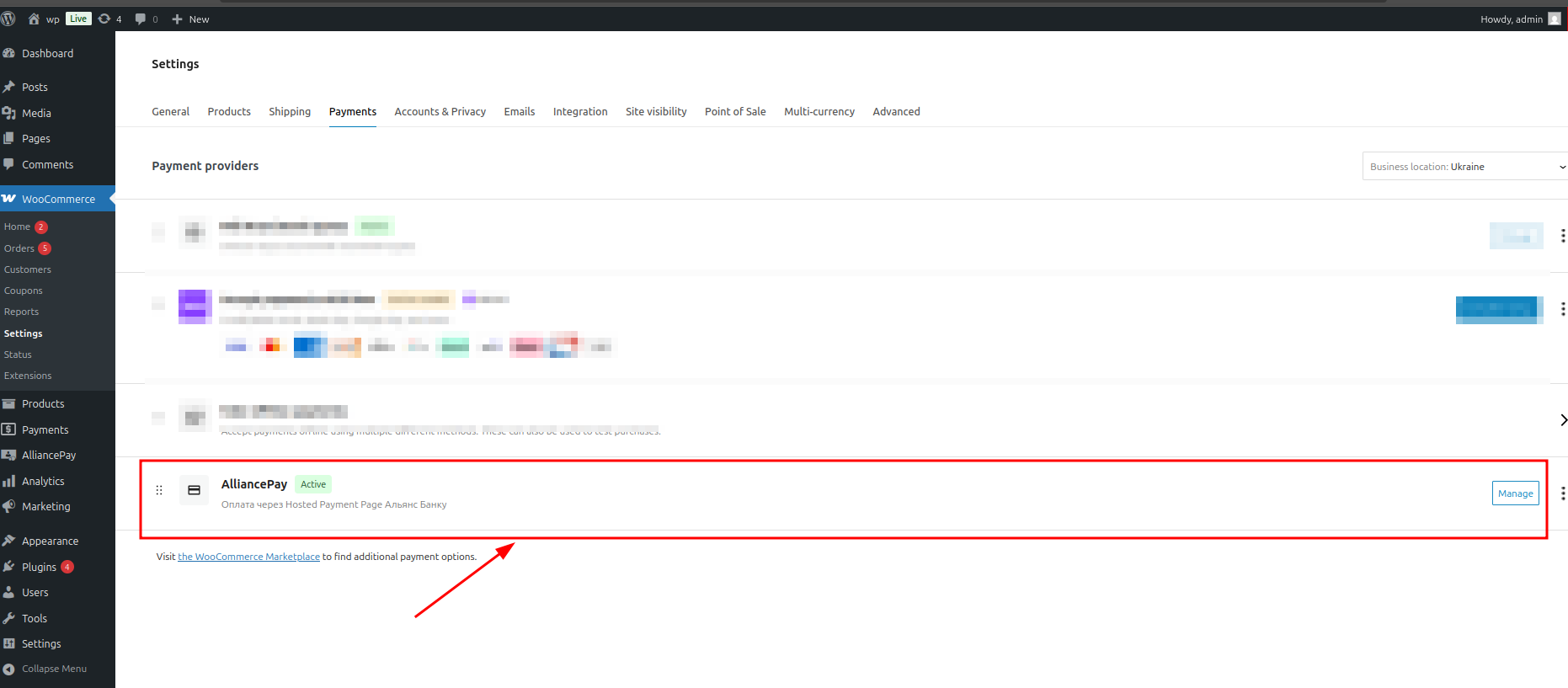
4. Then go to Woocommerce settings and activate the plugin. (screen 2) woocommerce->settings->payments
5. The payment page should have the shortcode \[woocommerce\_checkout]
### Requirements
* WordPress 6.8.2+ (PHP 8.0+; PHP 8.2+ is recommended; PHP extensions: gmp, hash, openssl, sodium).
* WooCommerce version: 10.1.0 +
* Administrative rights to access the plugin.
* Credentials: Merchant ID, Service Code, Private JWK (to obtain, please contact JSC “BANK ALLIANCE”).
* Correct site time zone: Europe/Kyiv (to display tokenExpiration).
### Requirements for the server where the payment module is installed
* For decryption and communication with ECOM, the payment module uses the following library - GitHub - [GitHub - kelvinmo/simplejwt: A simple JSON web token library written in PHP.](https://github.com/kelvinmo/simplejwt) , which is built into the module itself
* The server must have the PHP extension - gmp enabled \[for the simplejwt library to work]
* The server must have the PHP extension - hash enabled \[for the simplejwt library to work]
* The server must have the PHP extension - openssl enabled \[for the simplejwt library to work]
* The server must have the PHP extension - sodium enabled \[for the simplejwt library to work]